DeMinds Gallery

Open the outcome. Keep the source.

Compare real source files with the outcomes DeMinds creates across Markdown, XMind, DOCX, HTML, and archive imports.

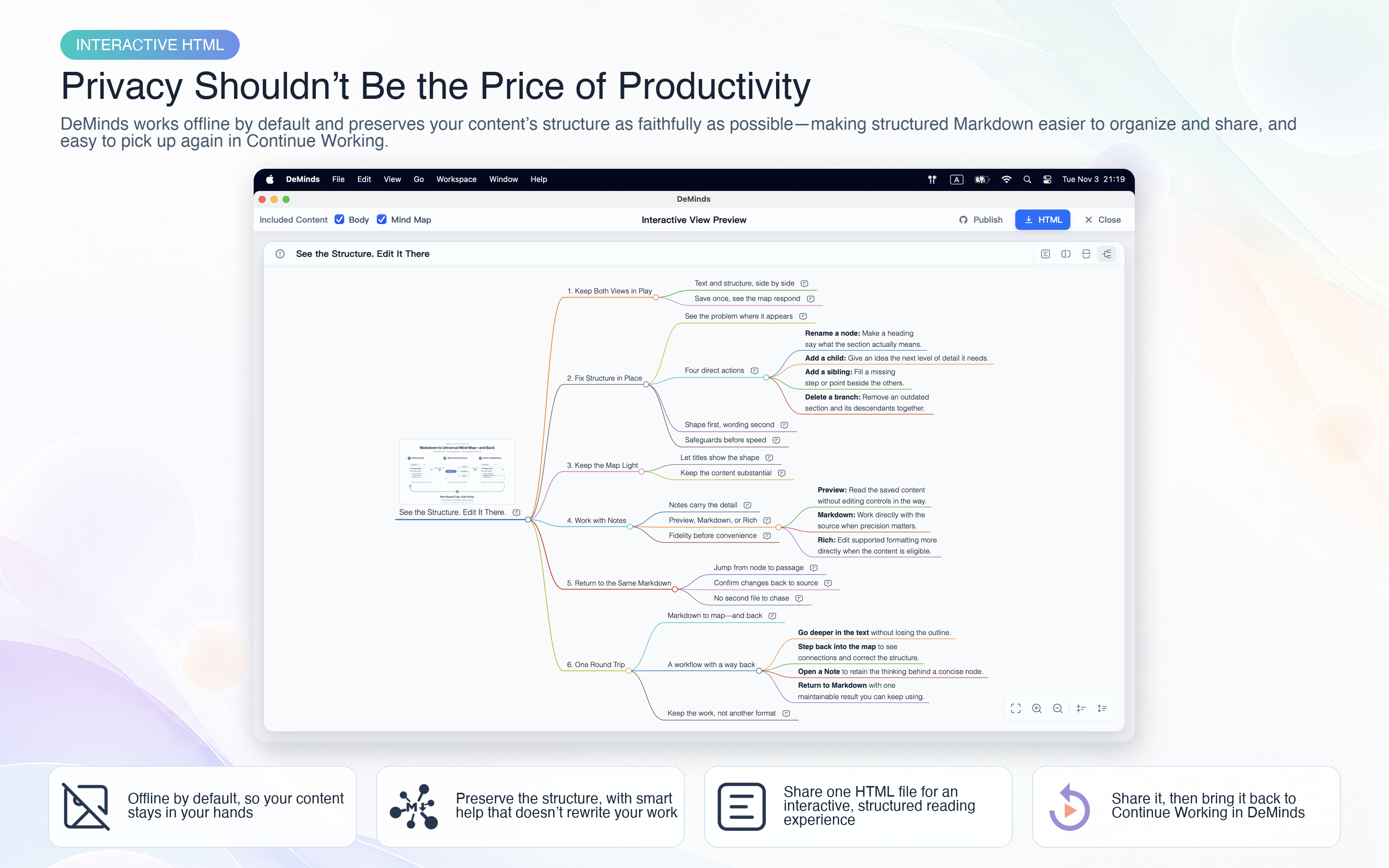
Interactive View in split layout with the document beside its Universal Mind Map
CORE MODES03
✦Offline readyOne self-contained file

Gallery index

Choose a source. See the result.

Interactive samples pair an openable Interactive View with its source file. Source-only samples preserve the original format so you can compare inputs, results, and boundaries.

App screens

DeMinds for macOS

Explore the DeMinds workspace on Mac through its App Store screenshots.

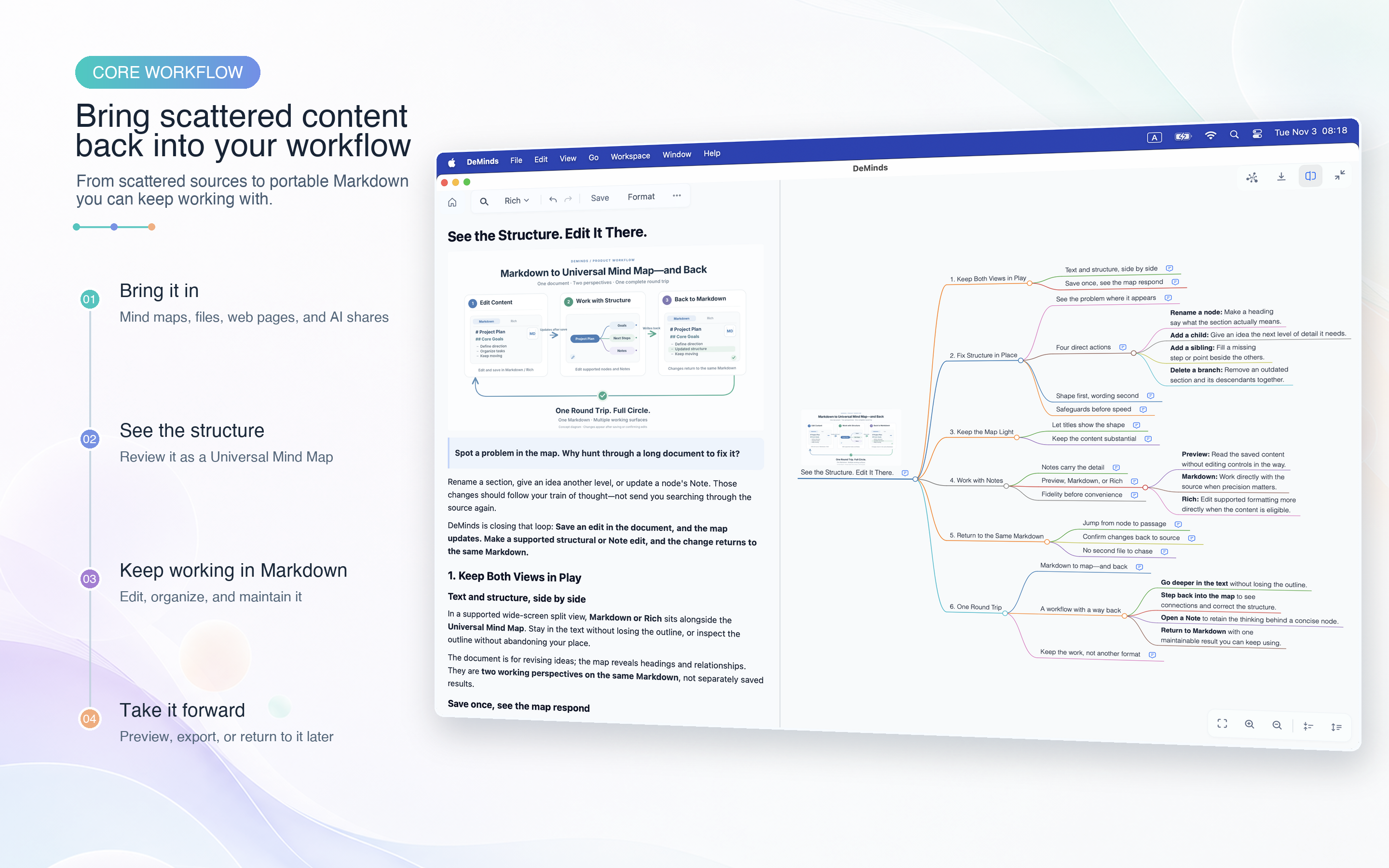
DeMinds for macOS: Core workflow
Core workflow
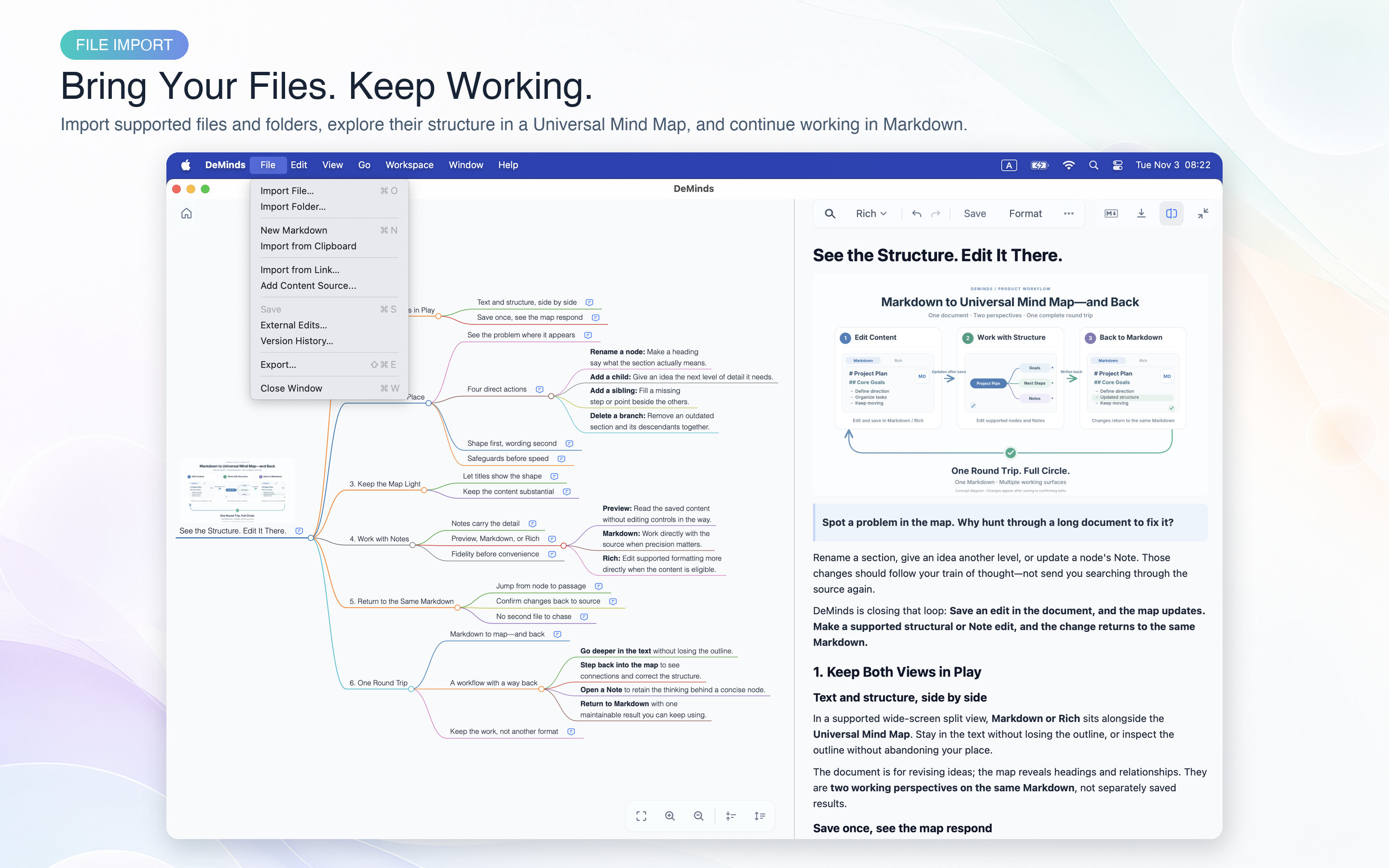
DeMinds for macOS: Import files
Import files
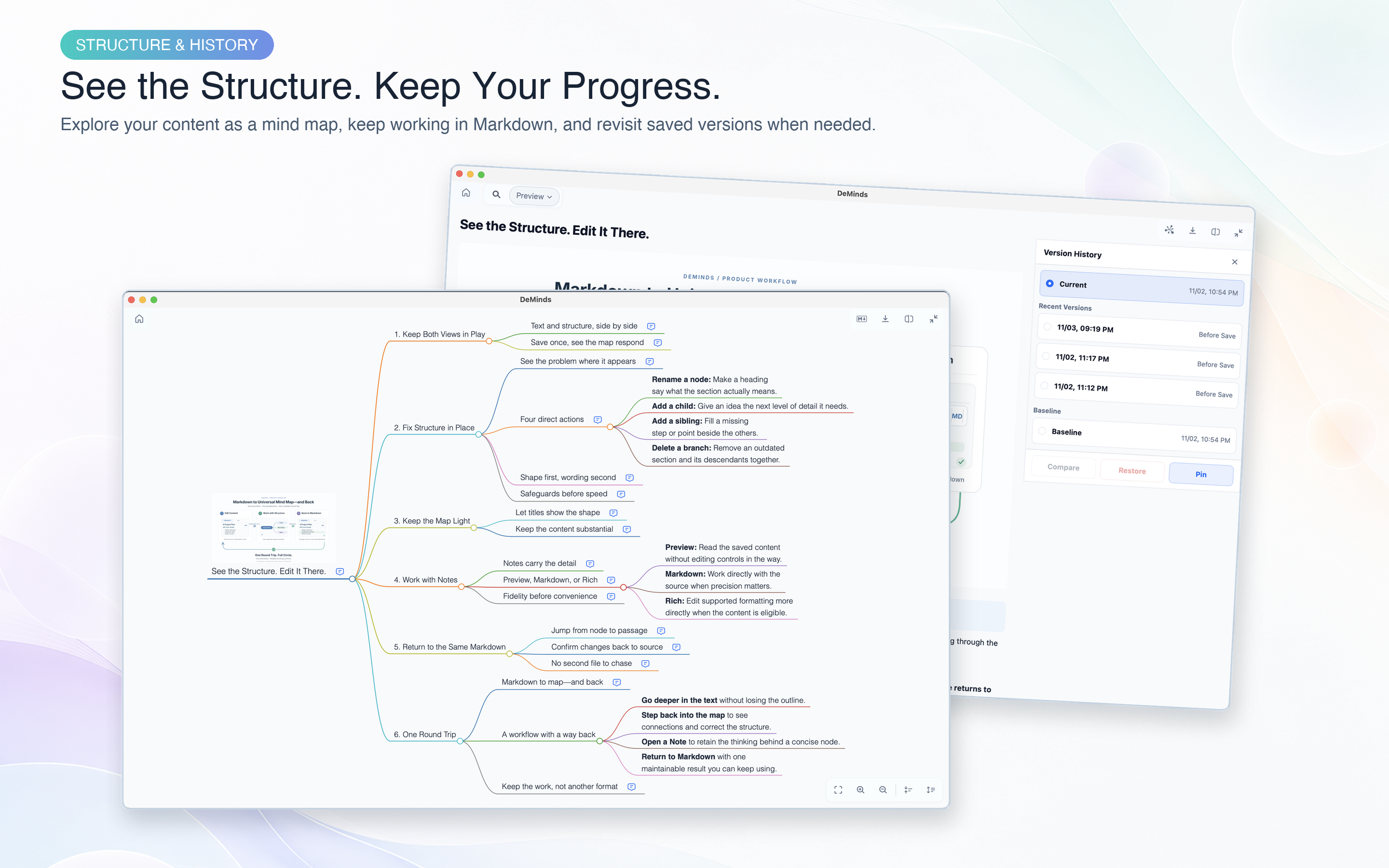
DeMinds for macOS: Structure and history
Structure and history
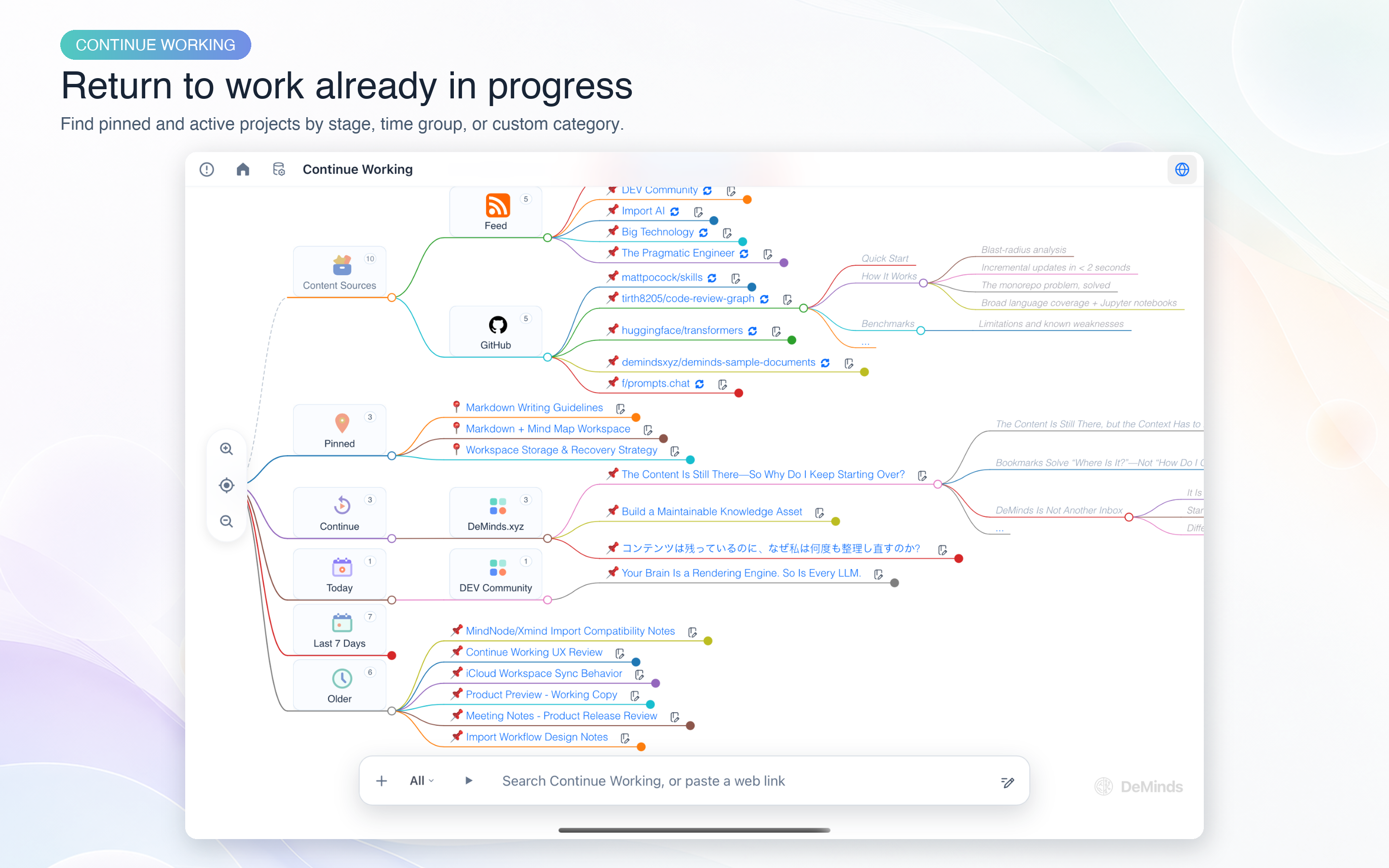
DeMinds for macOS: Continue working
Continue working
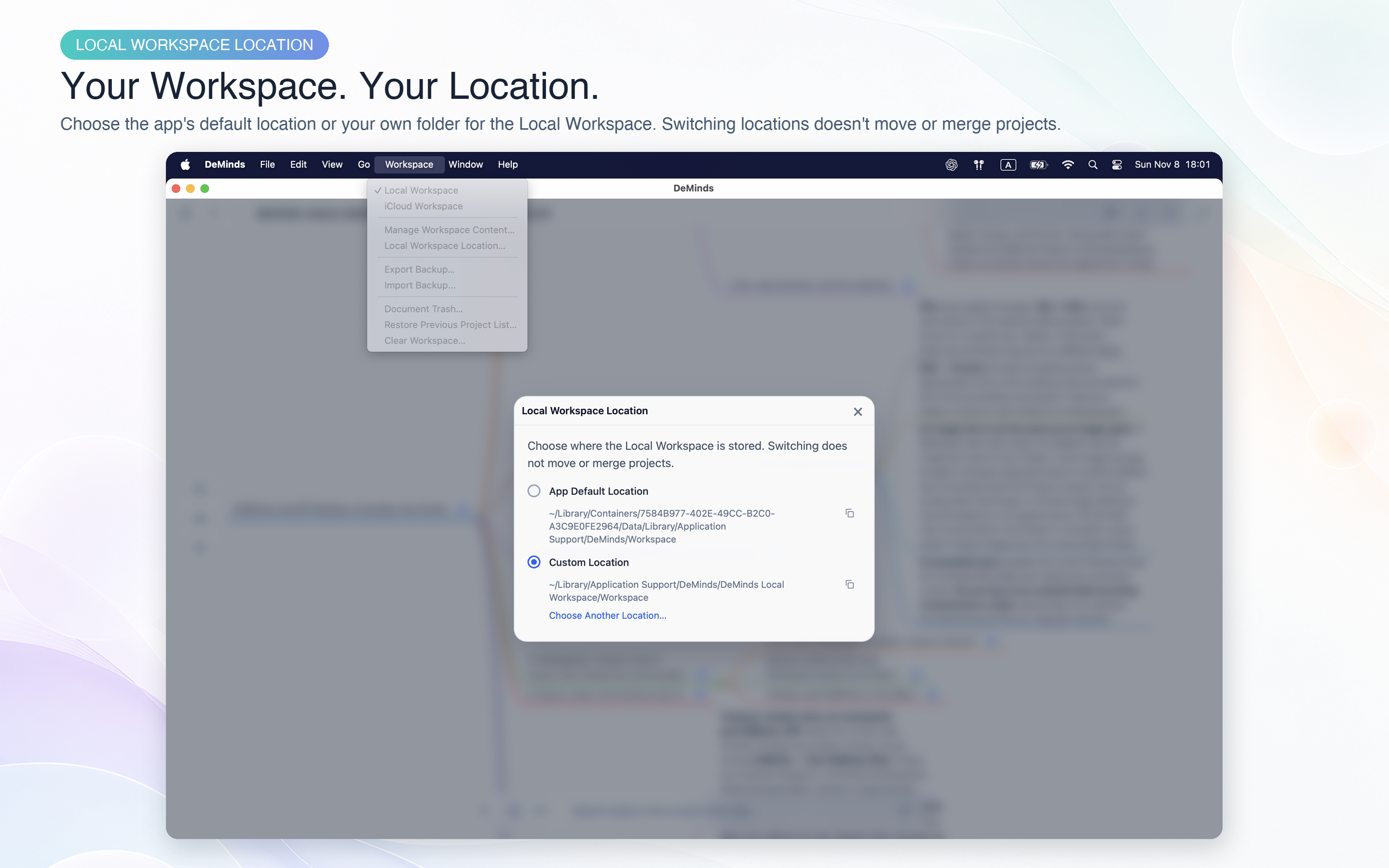
DeMinds for macOS: choose the default or a custom Local Workspace location
Local Workspace location
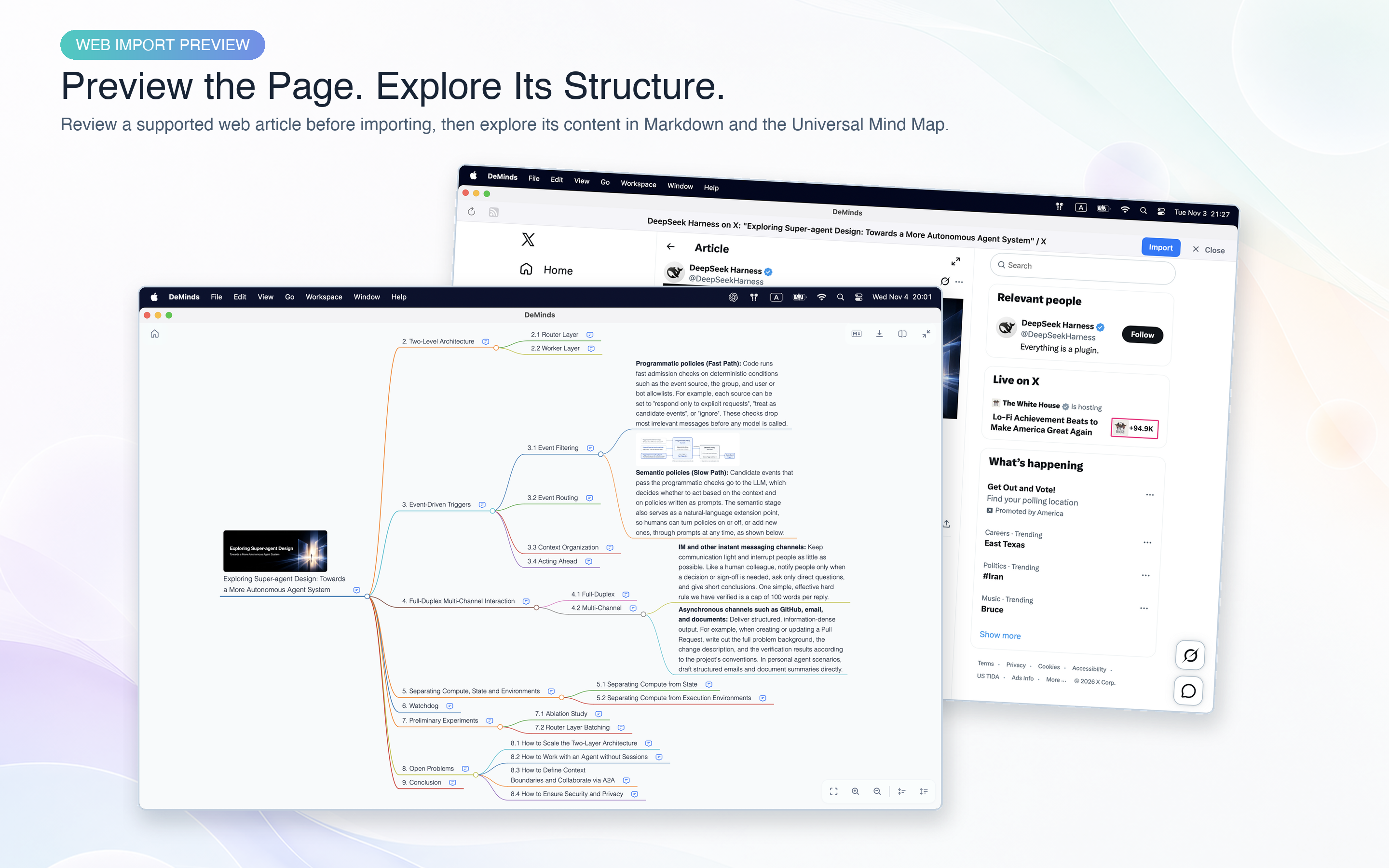
DeMinds for macOS: Web import and preview
Web import and preview
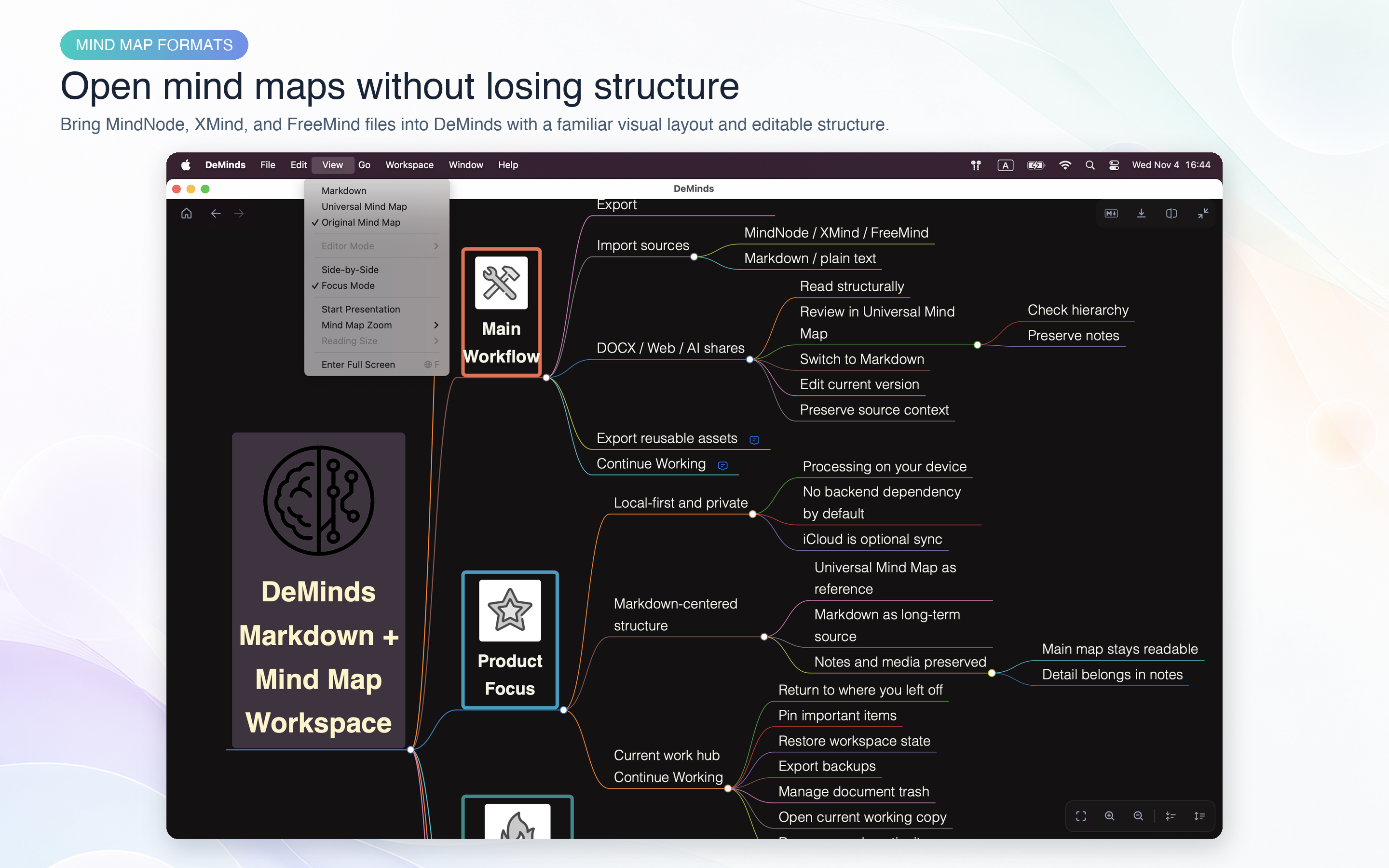
DeMinds for macOS: Mind map formats
Mind map formats
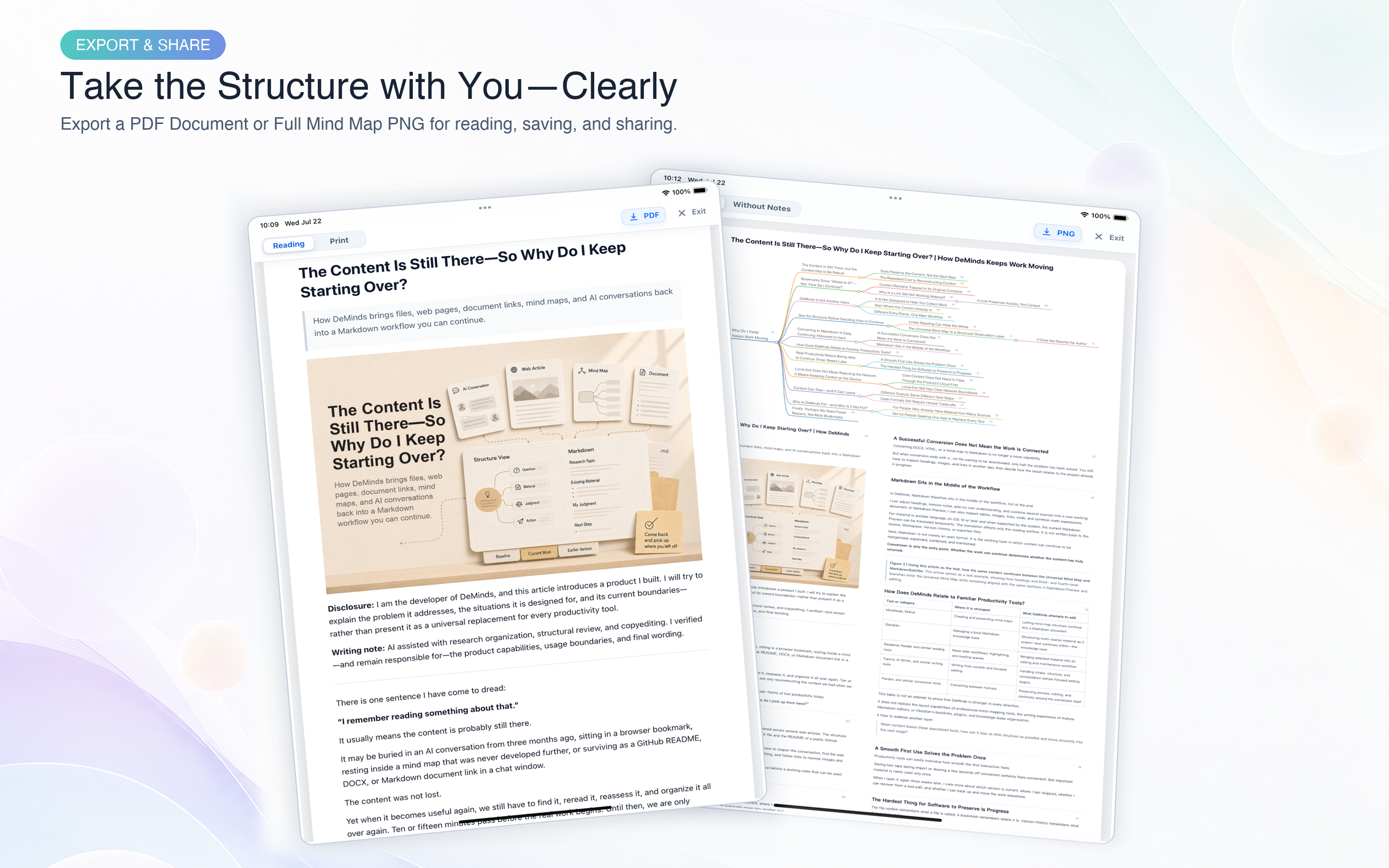
DeMinds for macOS: Export and share
Export and share
DeMinds for macOS: Interactive HTML
Interactive HTML
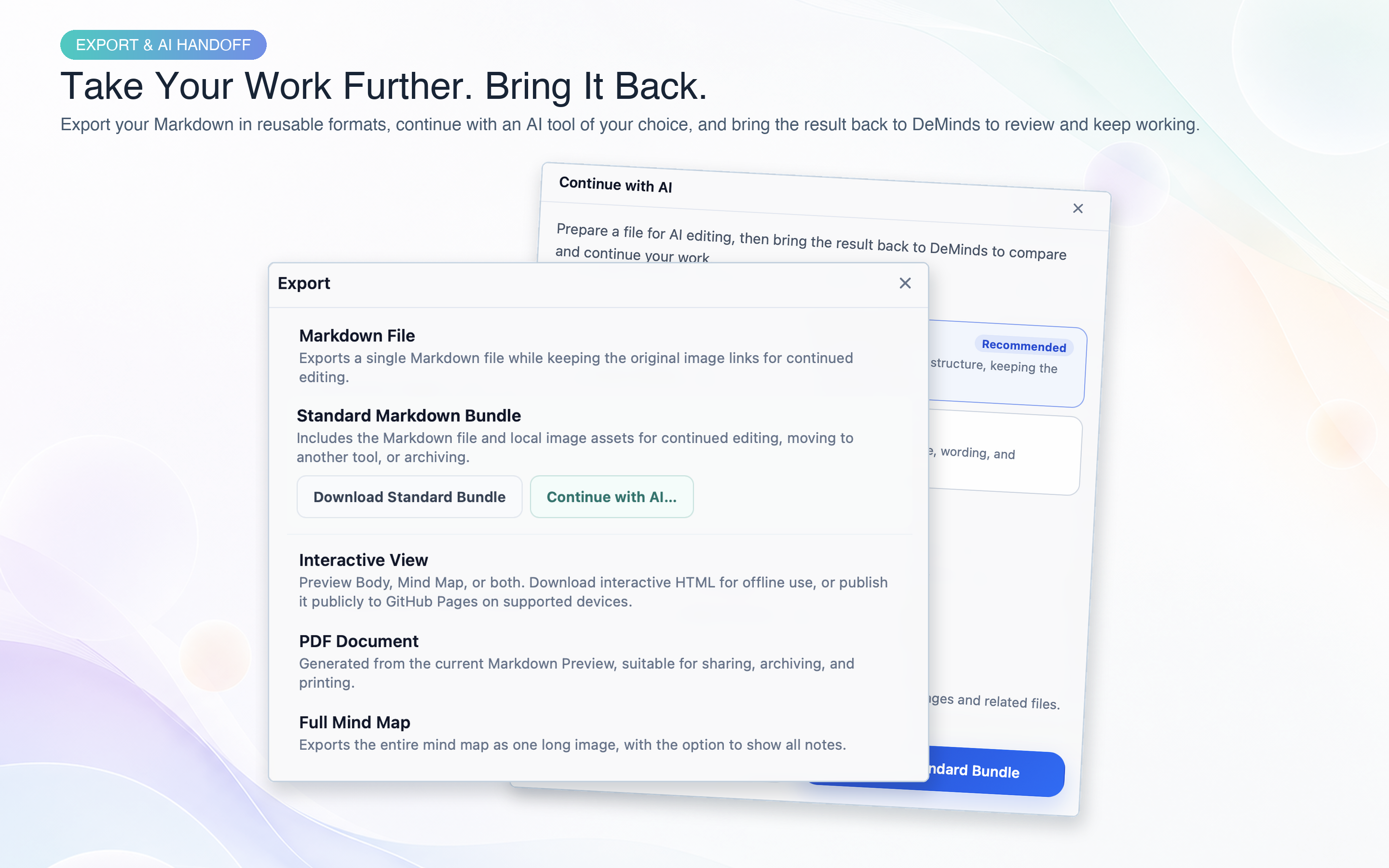
DeMinds for macOS: Export for AI handoff
Export for AI handoff
02
Interactive View for a structured Markdown article showing its Universal Mind Map above the document

Markdown

Structured Article

See how Markdown headings, lists, quotes, and code stay organized in the document and unfold into a Universal Mind Map.

Interactive sample Markdown source → document + Universal Mind Map
.md753 BInteractive View
03
Interactive View of the Japanese XMind sample 業務革新C showing its complete Universal Mind Map

Mind map

業務革新C

Compare the original hierarchy in the Japanese XMind file with the Universal Mind Map generated after import.

Interactive sample XMind hierarchy → Universal Mind Map
.xmind232 KBInteractive View
04
Interactive View for a structured DOCX report showing the complete Universal Mind Map

Document

Structured Report DOCX

See the Markdown document and Universal Mind Map generated from a structured DOCX report.

Interactive sample DOCX source → generated Markdown + Universal Mind Map
.docx34 KBInteractive View
05
HTMLClean HTML Article

HTML

Clean HTML Article

A small article without navigation, sidebars, or other page UI, useful for seeing how readable HTML becomes maintainable Markdown.

Source only HTML source → imported Markdown
.html708 BClean article
06
README.mdnotes/assets/ZIP

Package

Obsidian sample package

An Obsidian sample package with nested notes and image assets, showing how selected Markdown documents and their directly referenced images enter DeMinds together.

Source only · boundary case ZIP source → selected Markdown + directly referenced images
.zip6.9 MBObsidian-style

Gallery standard

Only results you can verify.

Interactive samples include an openable Interactive View; each card provides a downloadable file or traceable source and a clear source-to-result description.

01

Real outcomes

Screenshots come from working examples and provide a quick preview of actual results.

02

Traceable sources

Each card provides a downloadable file or source link for inspection and reproduction.

03

Explicit boundaries

Interactive samples and source-only samples are labeled separately, so screenshots never stand in for verifiable product behavior.